Disclosure. LayerSay is built on PhotoCraft’s engine, and LayerSay Studio is our own modified build of the PhotoCraft editor. We have an interest in PhotoCraft being good — keep that in mind. We are not affiliated with, sponsored or endorsed by the ArtCraft team or Adobe, and we earn nothing from PhotoCraft downloads.
How this comparison was made
We didn’t run Photoshop for this page. The Photoshop side comes from PhotoCraft’s own parity assessment, which its developers measured against an installed Photoshop 2026 (27.11.0) and published with their methods (parity assessment, roadmap, reviewed 2026-10-10/11 for version 0.6.0). Everything marked we checked is from our own use of PhotoCraft 0.8.2 on 2026-10-26.
At a glance
| PhotoCraft | Photoshop | |
|---|---|---|
| Price | Free, open source (MIT or Apache-2.0) | Paid subscription |
| Menus | 628 of 628 catalogued Photoshop menu items run a command | — |
| Toolbox | 56 of 68 tools | 68 (as counted by PhotoCraft’s developers) |
| Panels | 30 of 35 | 35 |
| File formats | 13 of Photoshop’s 31 fully, 4 partly; PSD, PSB, TIFF, JPEG, PNG, WebP all present | 31 |
| Generative AI | None built in (classic Select Subject, Remove tool, Content-Aware) | Generative Fill and Expand, Neural Filters, Sky Replacement… |
| Plug-ins and scripting | WebAssembly plug-ins, command line, MCP, Actions (.atn) | .8BF plug-ins, UXP and ExtendScript |
| Ready for real work | About 45%, by its developers’ estimate | — |
Counts from PhotoCraft’s roadmap and parity assessment (version 0.6.0); later releases may have moved them.
What “76% of the features, 45% ready” means
PhotoCraft’s developers give two different numbers, and the gap between them is the honest answer. Feature breadth, about 76%: does a Photoshop feature exist at all? Mostly yes — every menu item is wired up. Ready for real work, about 45%: could a professional replace Photoshop with it? Not yet, because depth, feel, speed, stability and PSD exchange lag behind the surface. For people who use only the core features, they estimate about 61%.
What we checked ourselves
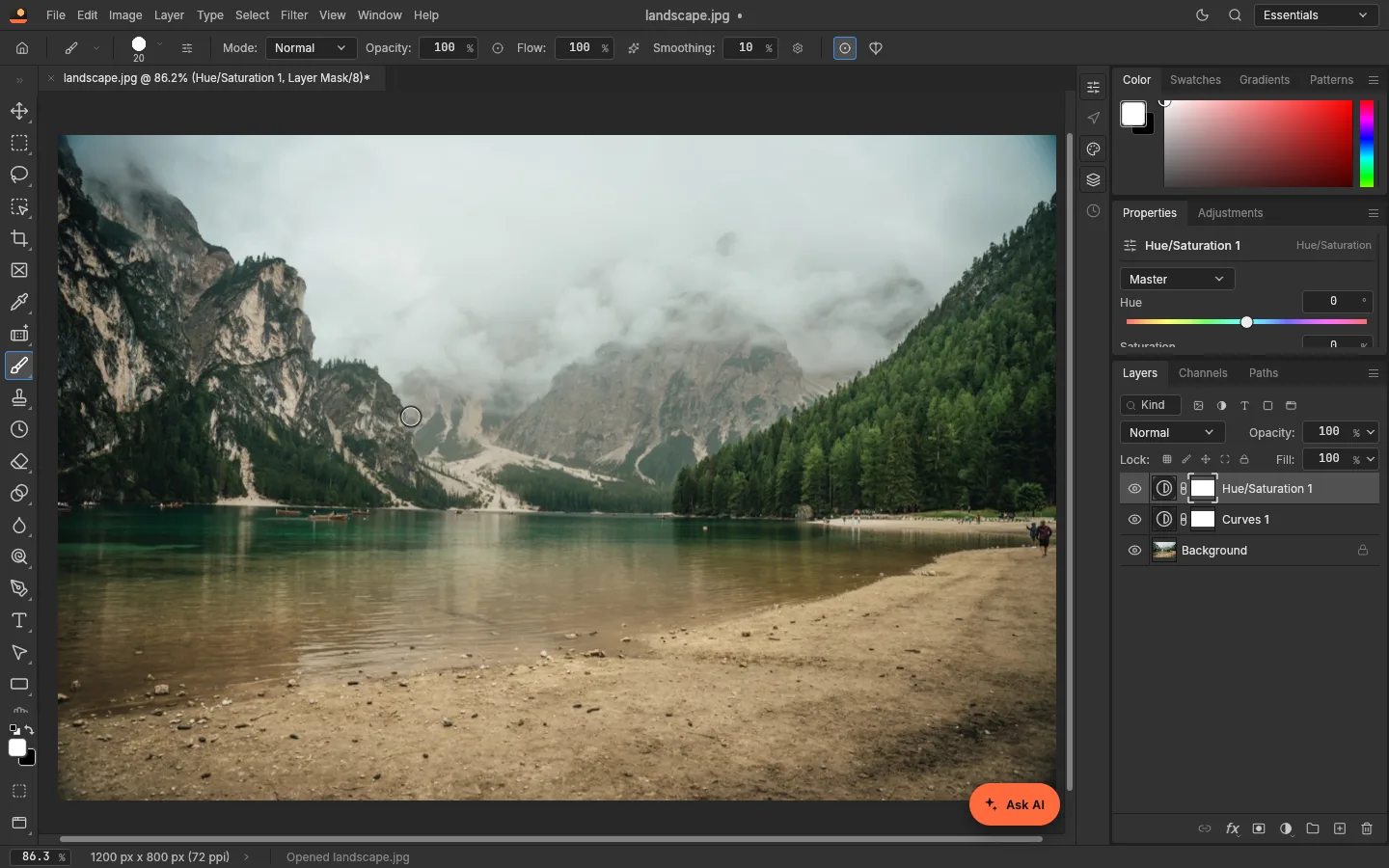
- The layout really is Photoshop’s. Menus, panel names and shortcuts (Ctrl+O, Ctrl+G, Ctrl+Shift+S…) are where a Photoshop user expects them; see our tutorial screenshots.
- All 16 adjustment layers from Brightness/Contrast to Selective Color are in Layer › New Adjustment Layer, each with a mask.
- Layered PSDs work for simple files. A PSD with two adjustment layers saved from PhotoCraft opened with its layers intact in Photopea, and back (details). We couldn’t test the trip to Photoshop itself; PhotoCraft’s developers report Photoshop refusing some files PhotoCraft wrote.
- Speed in the browser is fine for everyday photos and slow for big ones: about 1.1 seconds for a blur on a 12-megapixel photo (our measurements).
- Automation goes further than most editors. We drove it through its MCP server and command line: open, add adjustment layers, save a PSD, each in under 100 ms (how).
Can you switch?
| If you… | Our view |
|---|---|
| Edit photos now and then | Yes. The core tools you’d use in Photoshop are there, for free. |
| Rely on Generative Fill and other AI tools | No. PhotoCraft has none built in. (LayerSay adds some generative edits on top, but that is a different product.) |
| Exchange PSDs with clients who use Photoshop | Not yet. Check every file in Photoshop before sending. |
| Use third-party plug-ins or scripts | No. Photoshop plug-ins and UXP/ExtendScript scripts don’t run. |
| Automate image work or build tools on an editor | Yes. Its command line and MCP server are a real advantage. |
To try it in your browser now, open LayerSay Studio; the official desktop apps are on GitHub. Our full review covers strengths and problems in more detail.
Sources
- PhotoCraft vs Adobe Photoshop: target-app parity
- PhotoCraft roadmap (headline numbers)
- PhotoCraft file-format parity
- PhotoCraft docs: MCP
How we write these pages: editorial policy.
More about PhotoCraft
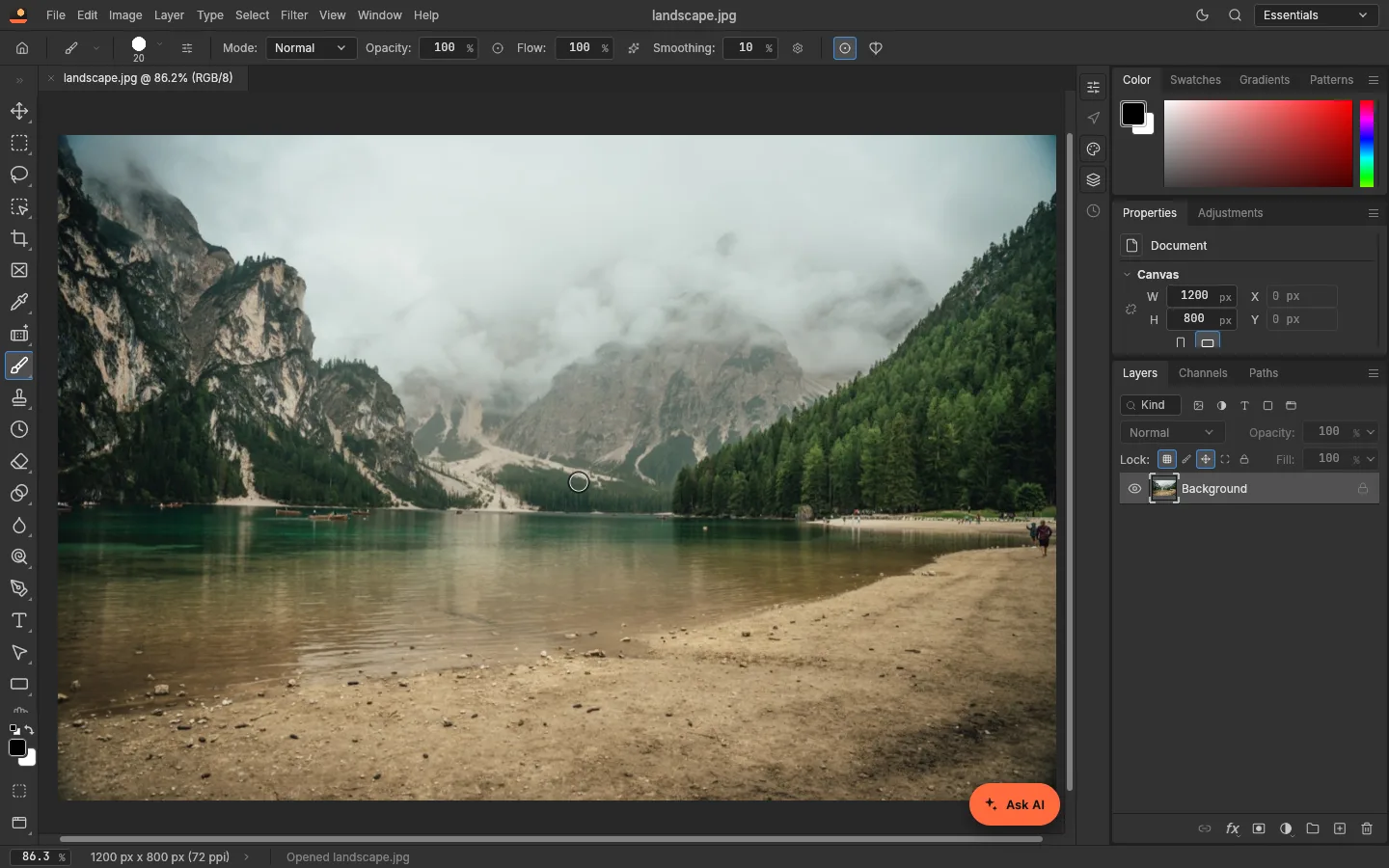 How to use PhotoCraft online: a beginner’s tutorialOpen a photo, add adjustment layers, edit with the AI assistant and save a layered PSD — a step-by-step PhotoCraft tutorial with real screenshots, nothing to install.
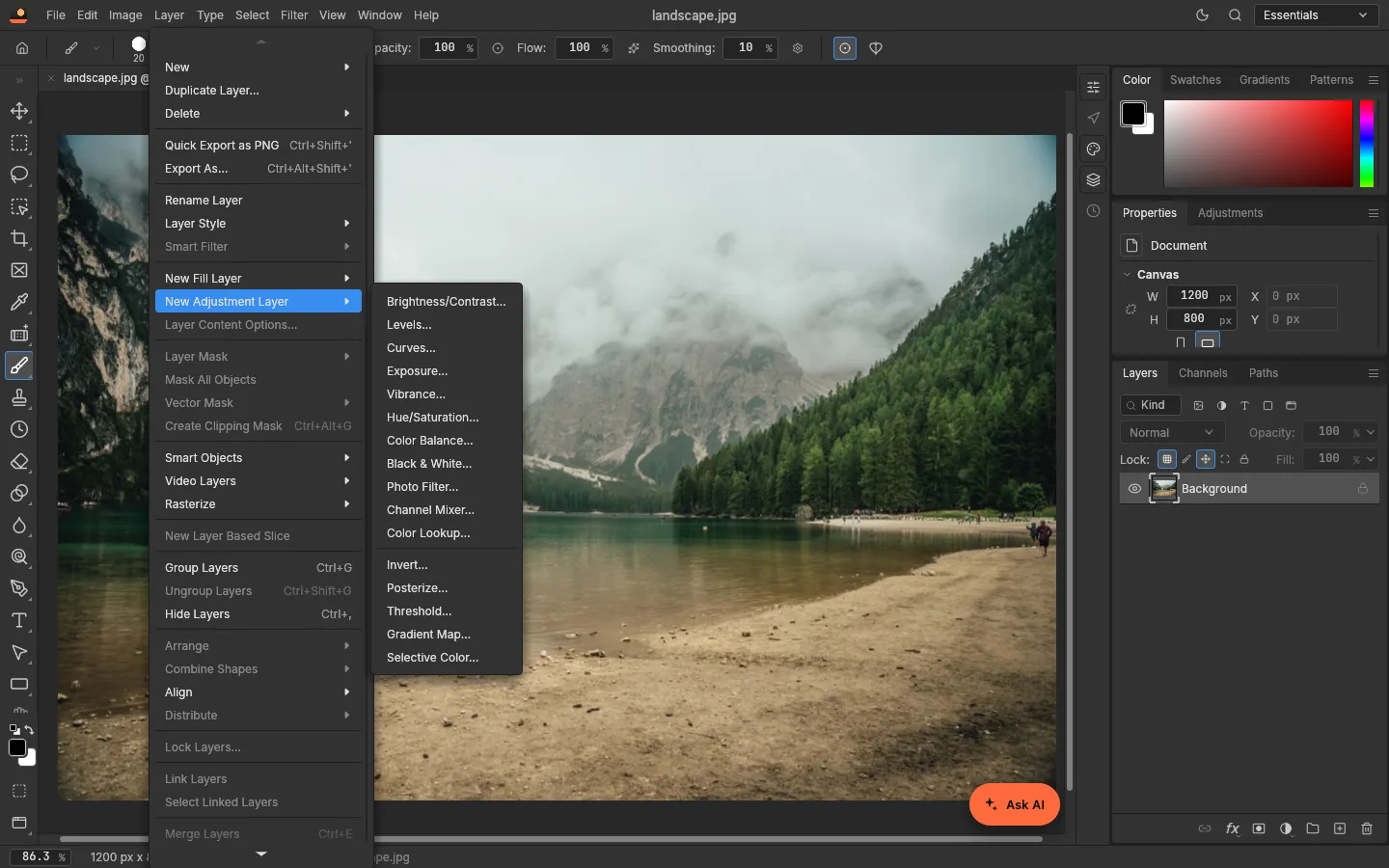 PhotoCraft review: what works, what doesn’t, with measurementsAn honest PhotoCraft review from a team that builds on it: what works, what is still alpha, and measured timings for open, filters and export on 3 MP and 12 MP photos.
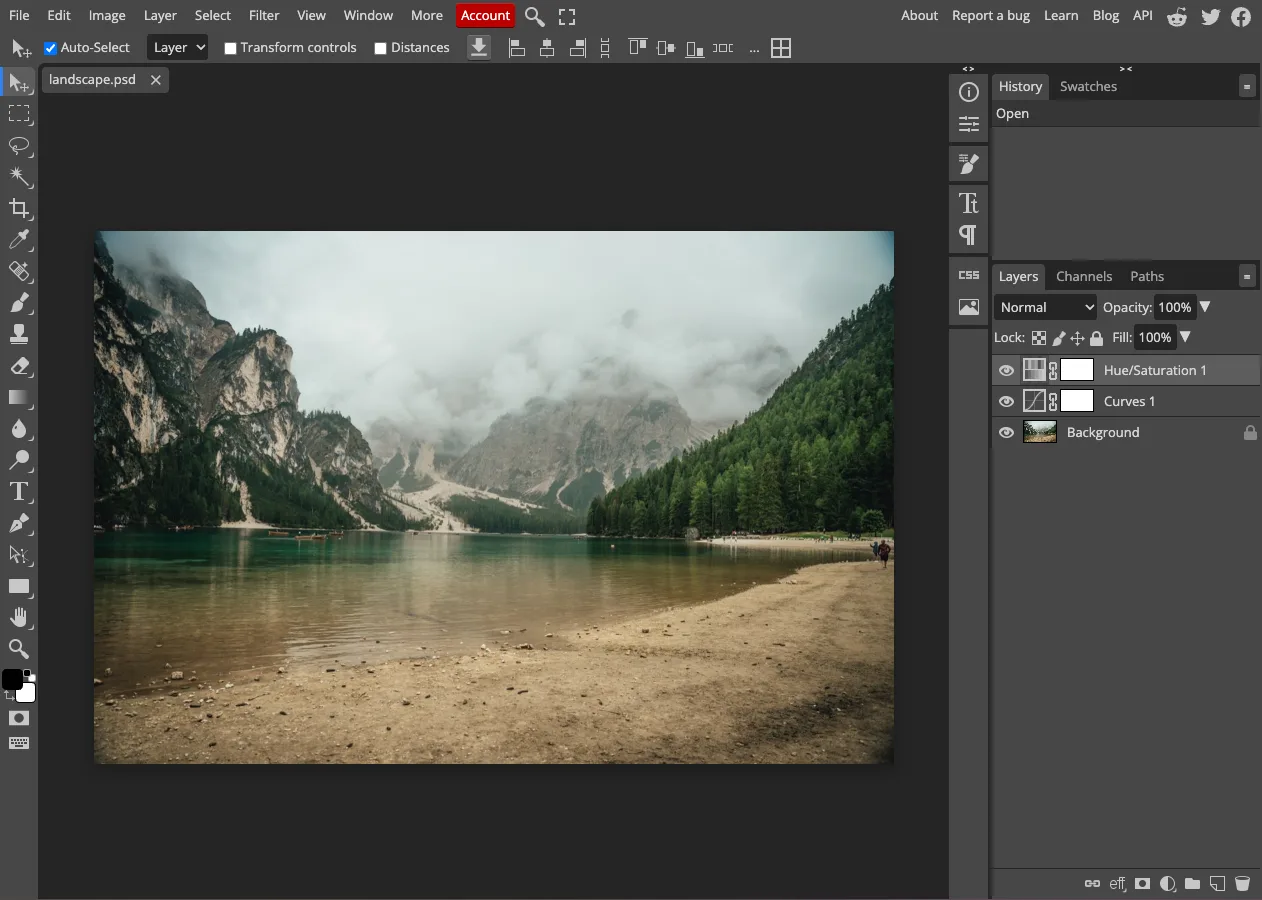 PhotoCraft vs Photopea: two free Photoshop-style editors, testedPhotoCraft vs Photopea, hands-on: a layered PSD passed between them both ways, what each loads, ads, open source, AI and automation. Tested October 2026.
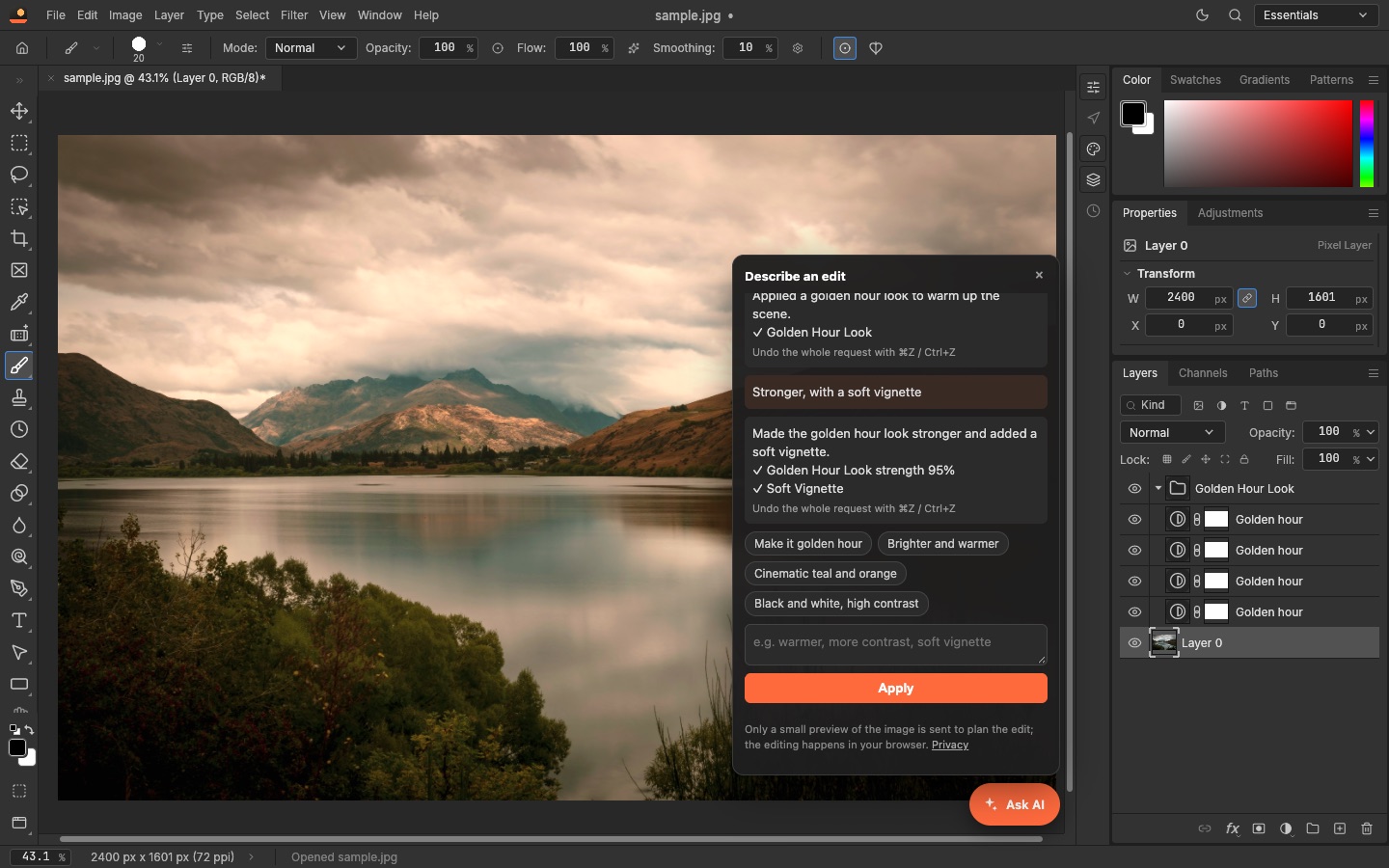 PhotoCraft and AI: describe an edit, or let an agent drive itPhotoCraft has no AI generator built in, but AI can drive it: an assistant that turns a sentence into adjustable layers, and an MCP server for agents. Both tested.