Make background black and white
The classic color-splash effect in one click: the background turns black and white while your subject keeps its color, so it pops off the page.
Continue editing
- “Make the subject more vibrant”
- “Darken the background a bit”
- “Blur the background too”
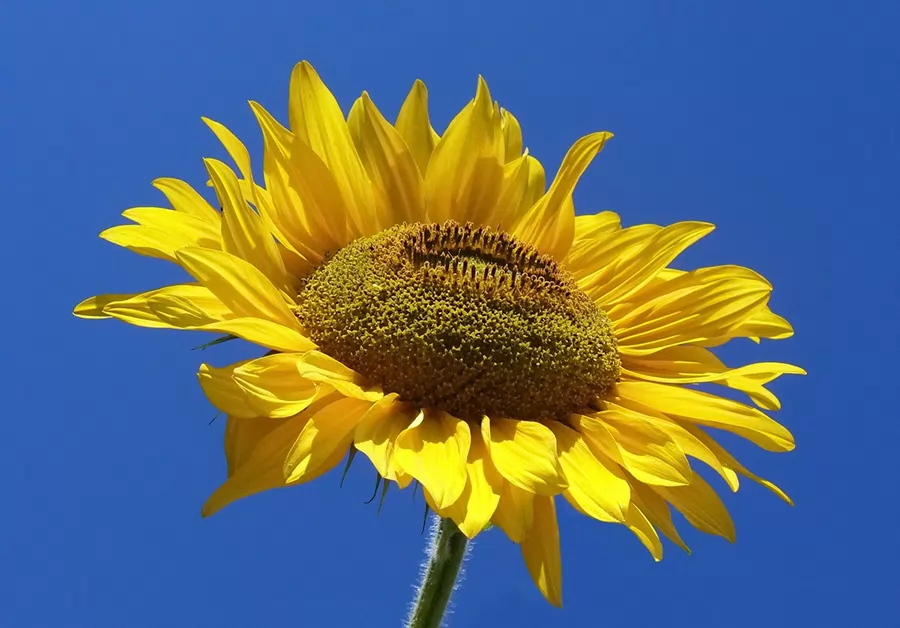
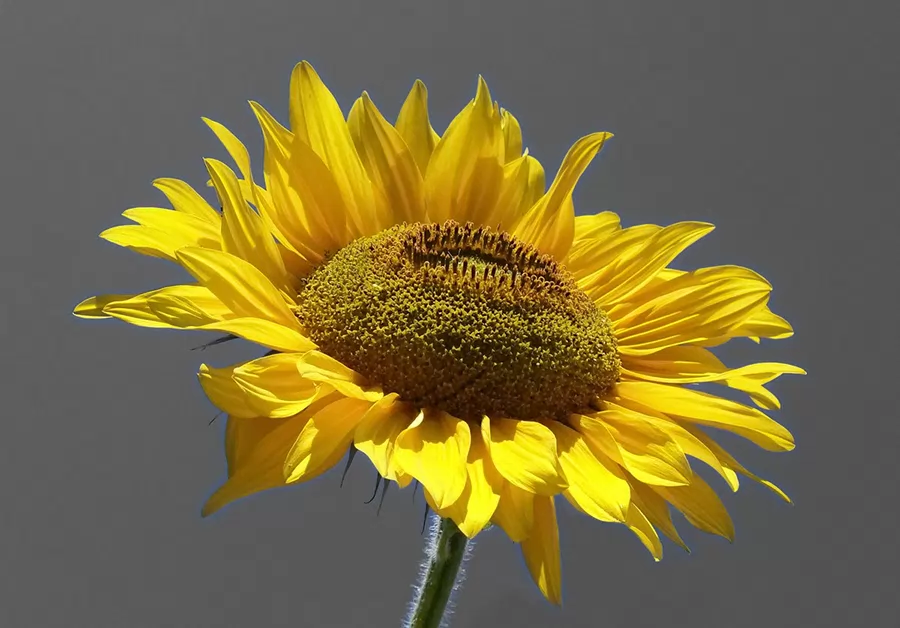 BeforeAfter
How it works
- Drop or choose a photo above. Nothing is uploaded.
- The edit runs on your device as soon as the photo opens. Each step shows up as a layer you can adjust, hide or undo.
- Fine-tune in plain words (“make the subject more vibrant”), then export at full resolution.
More one-click edits
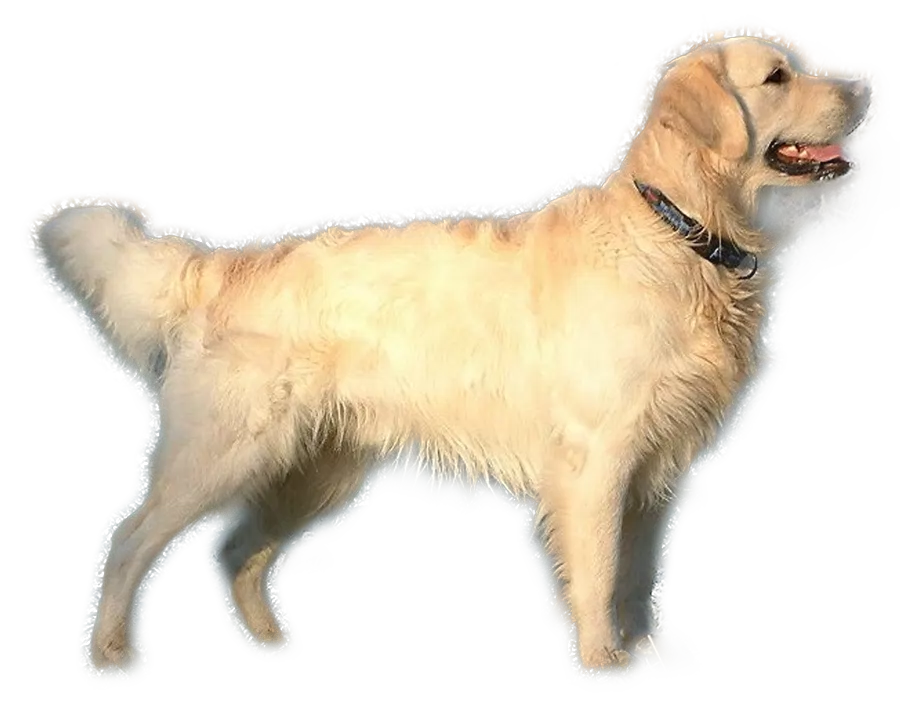 Remove background from image
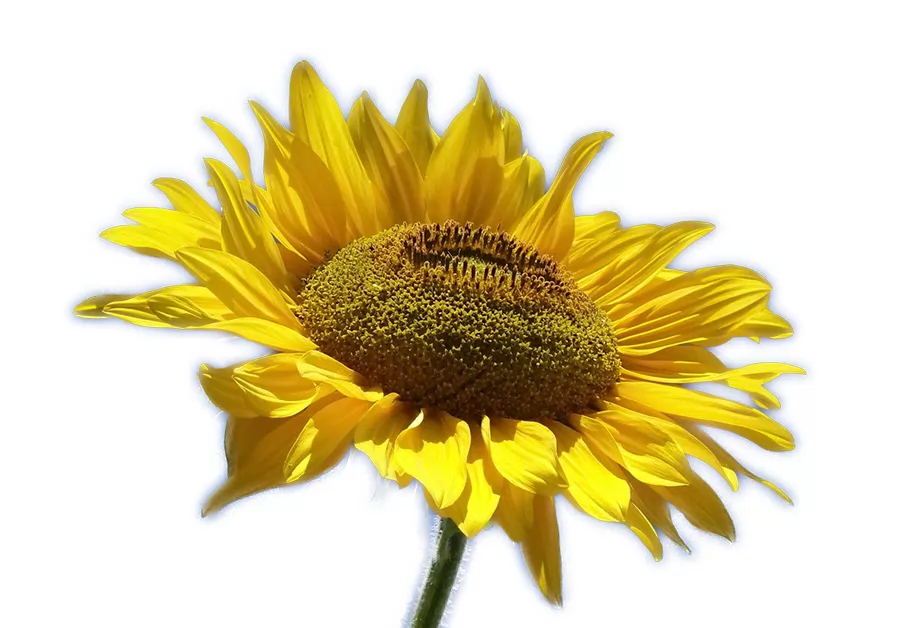 Make photo background white
 Blur background of photo
 Convert photo to black and white
FAQ
Can I do the opposite — subject black and white, background in color?
Yes, just say “make the subject black and white instead” and the AI flips the selection.
Is my photo uploaded?
No. This edit runs in your browser, so your photo stays on your device. Only if you type an instruction for the AI is a small preview (at most 768 pixels) sent to plan the edit, and only optional generative edits (remove an object, new background) send part of the photo.