Photo filters & looks
15 hand-tuned styles that work on real photos. Pick one, drop your photo, then fade it, push it, or keep editing in plain words.
Continue editing
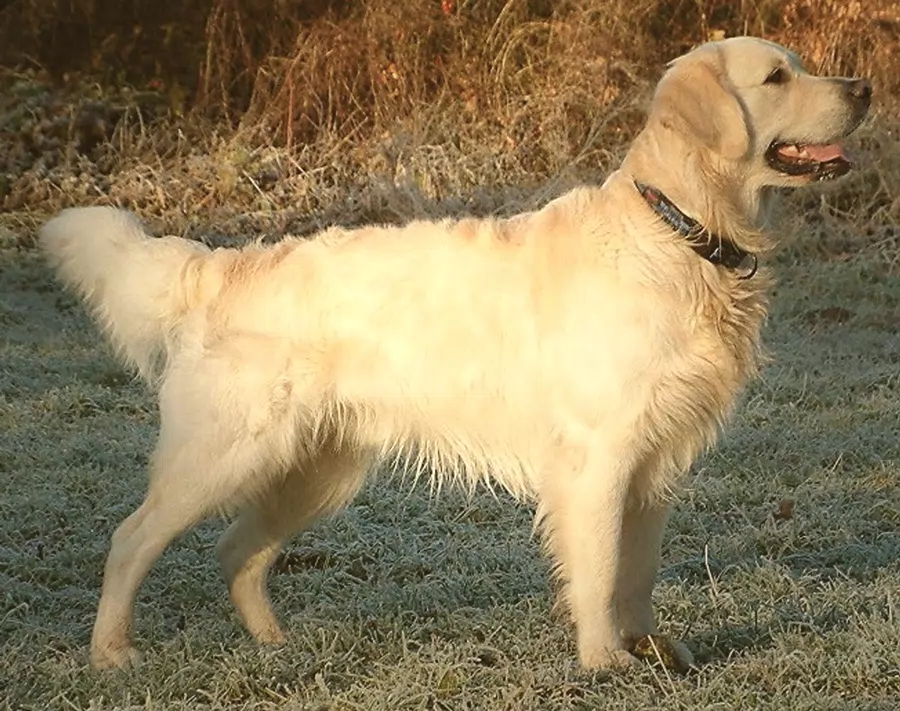 Warm filmSoft, warm analog film: lifted blacks, gentle contrast, creamy highlights, fine grain.
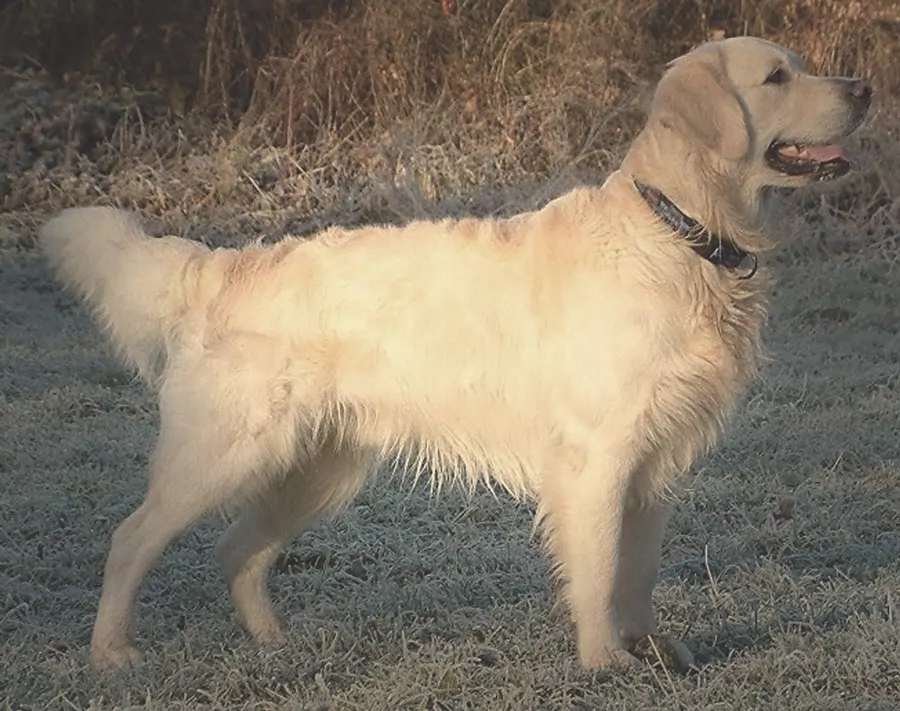 Vintage fadeFaded vintage print: washed-out blacks, muted colors, warm highlights, grain and a soft vignette.
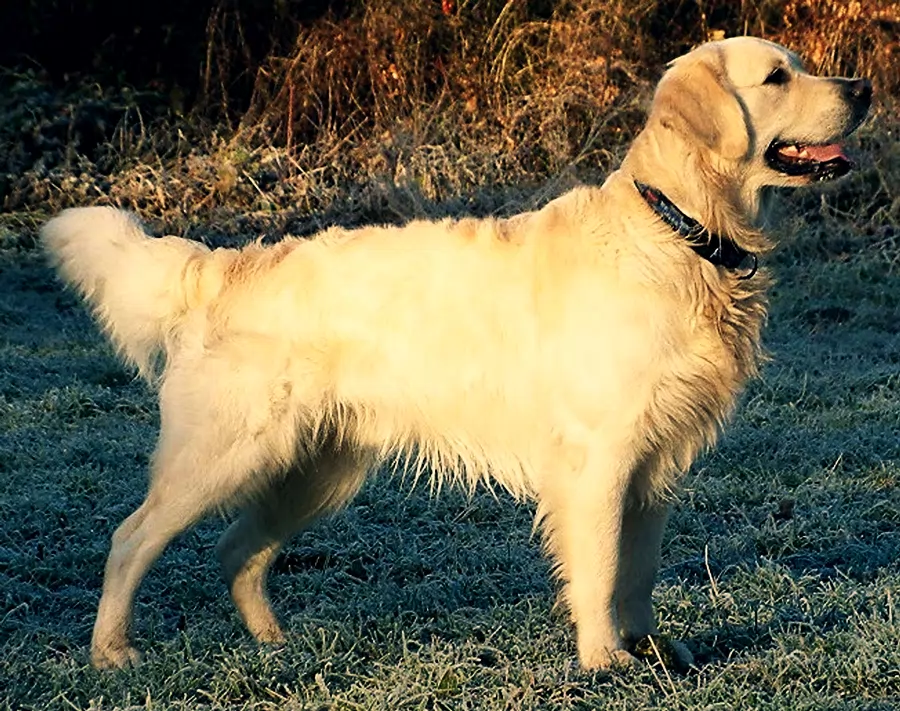 Cinematic teal & orangeBlockbuster grade: teal shadows, warm skin tones, punchy contrast.
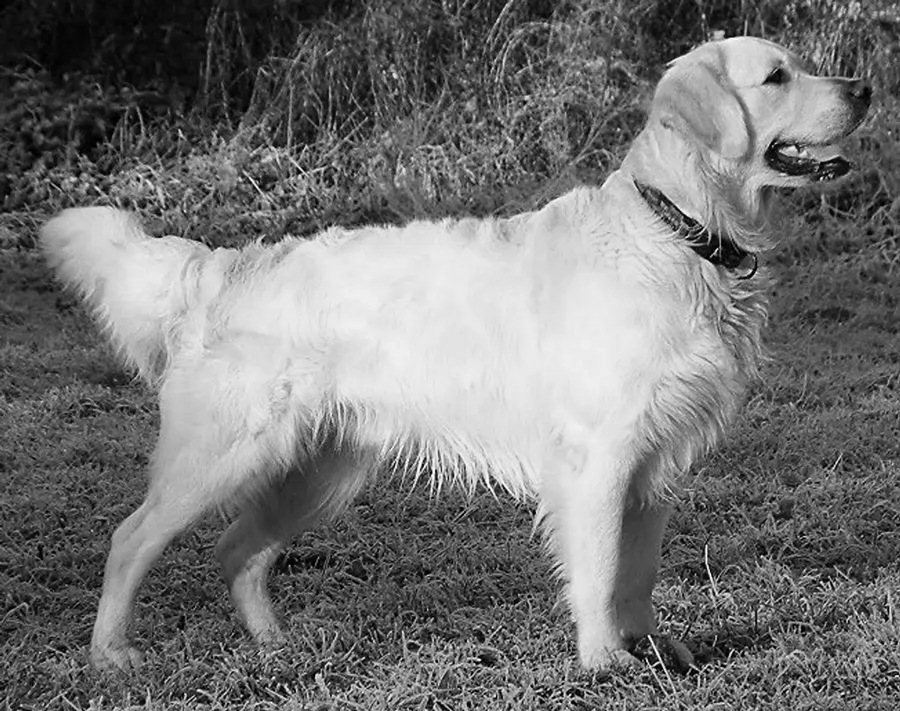 Classic black & whiteClean black-and-white with rich tones and a little extra contrast.
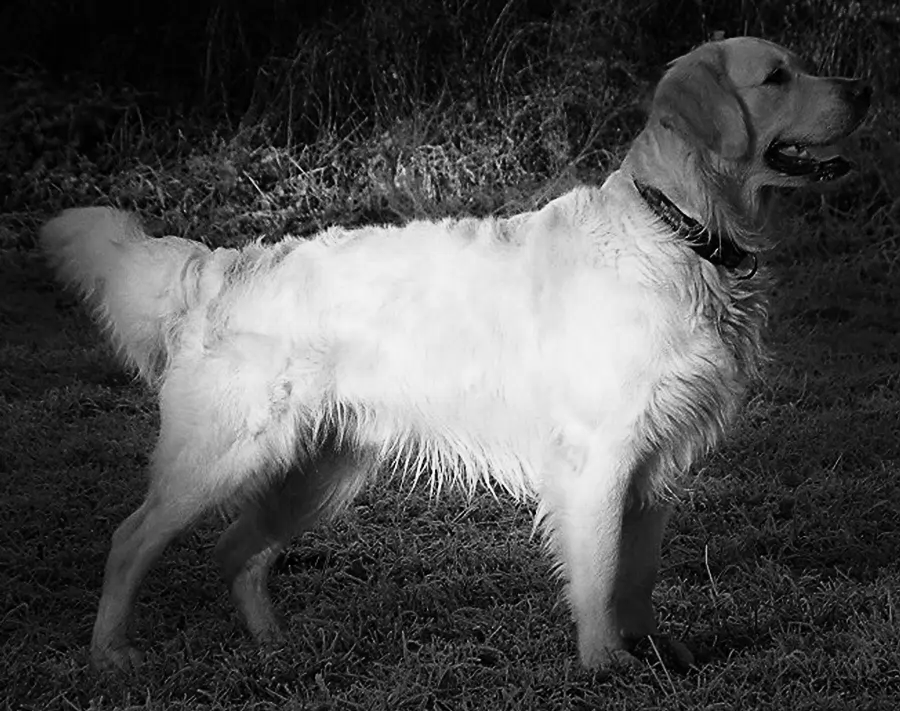 NoirDramatic high-contrast black and white with deep shadows, grain and a dark vignette.
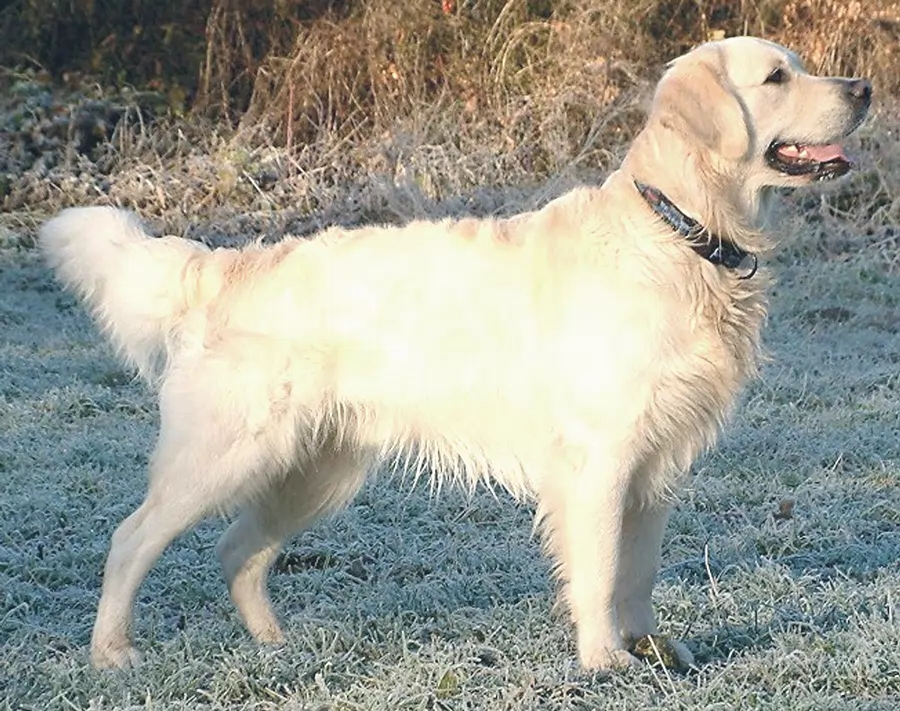 Bright & airyLight, airy and soft: brighter exposure, low contrast, gently desaturated, cool shadows.
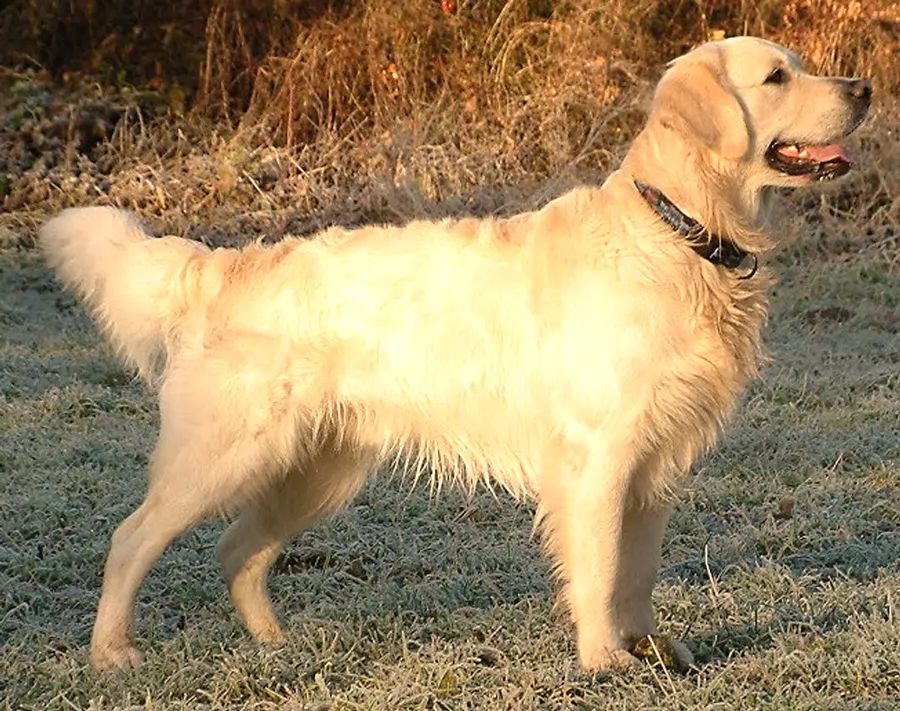 Golden hourWarm sunset glow: golden highlights, richer warm colors.
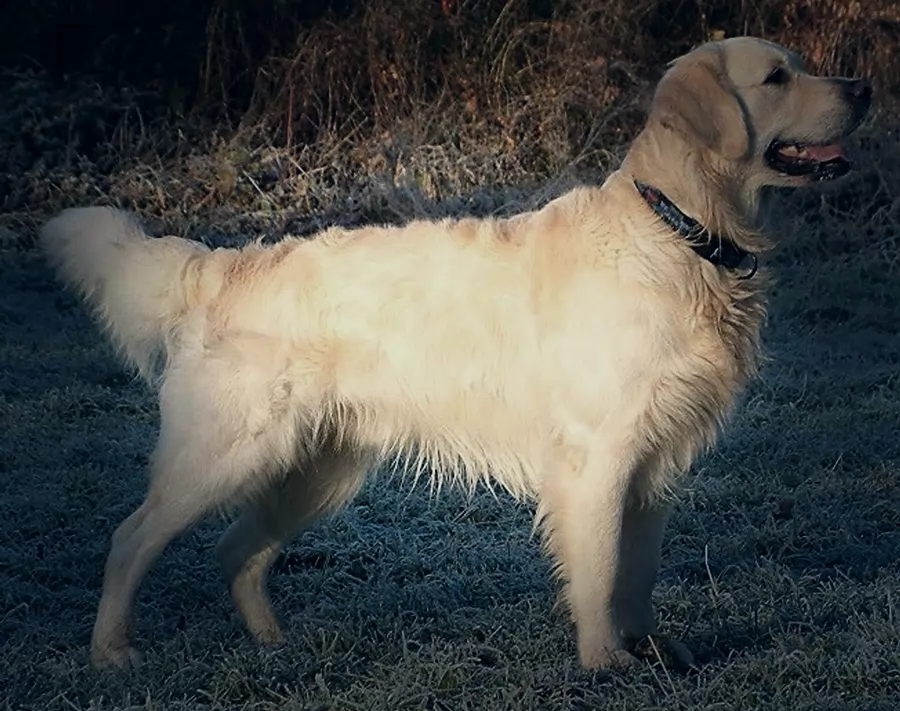 Dark & moodyDark, desaturated and cool with soft highlights and a vignette.
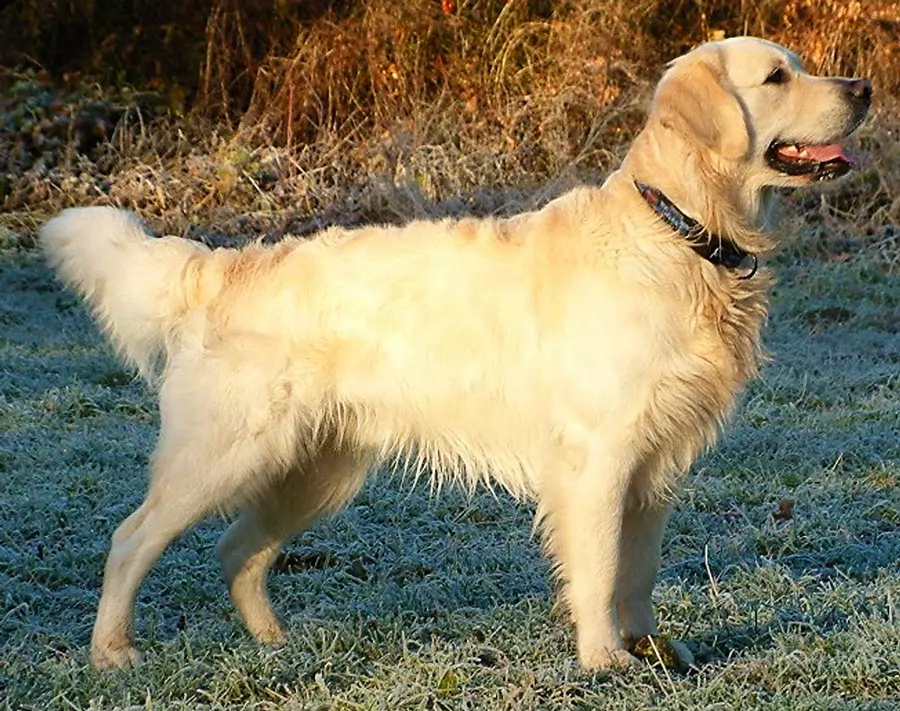 Vivid popPunchy, vibrant colors with crisp contrast.
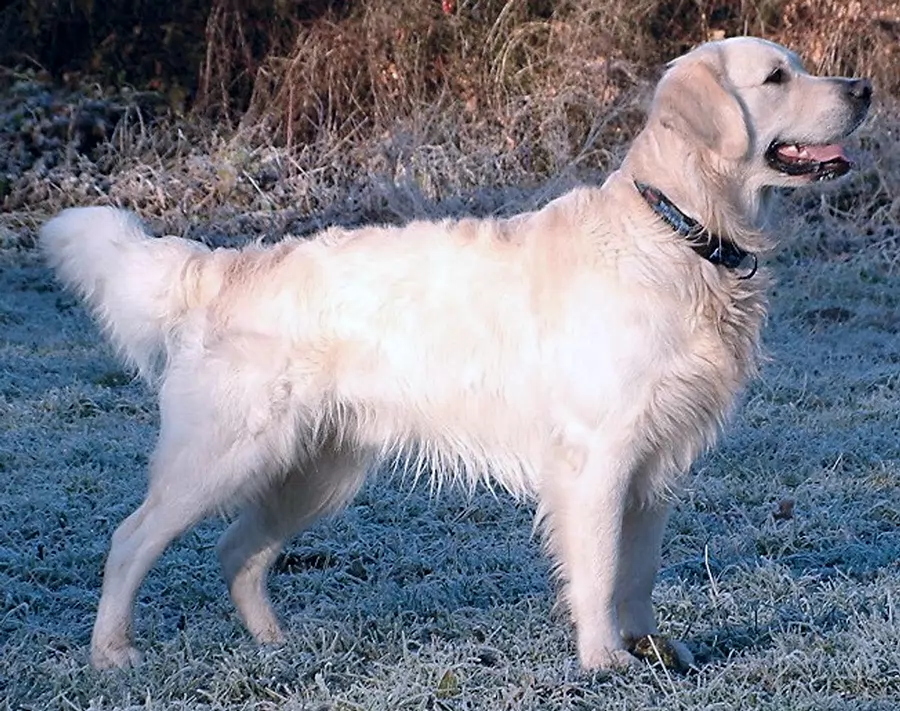 Cool & crispClean, cool winter tones with bright whites.
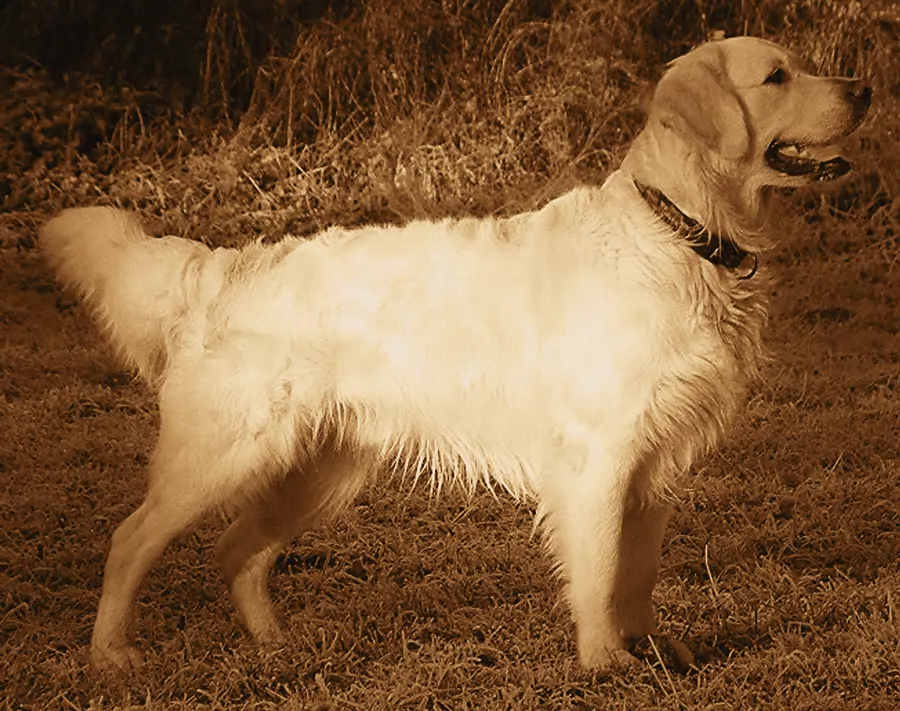 SepiaOld-time sepia toning with faded blacks and grain.
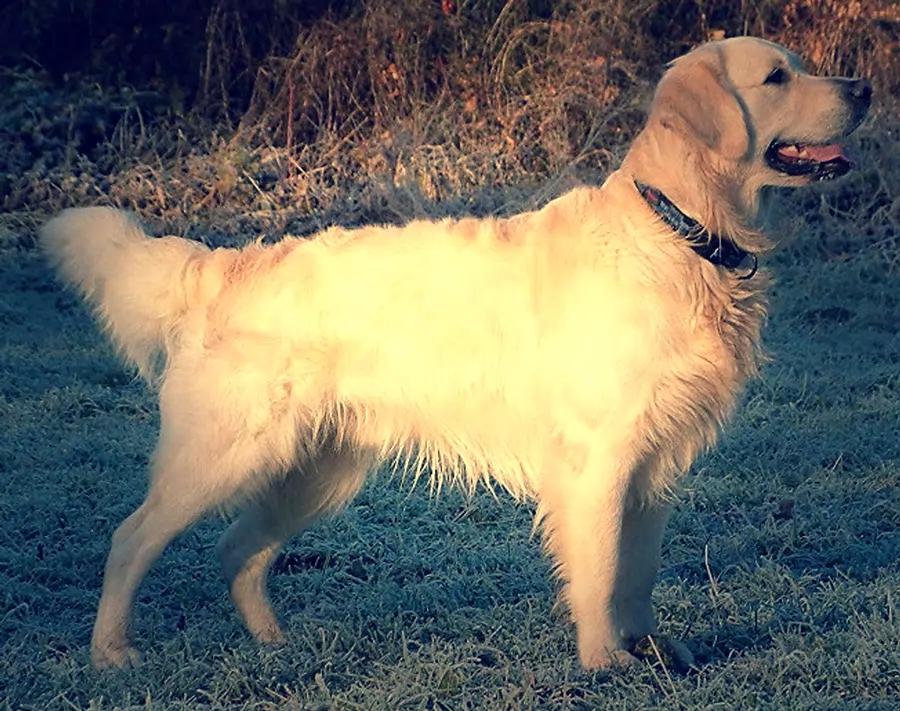 Cross processLo-fi cross-processed film: shifted colors, yellow highlights, strong contrast.
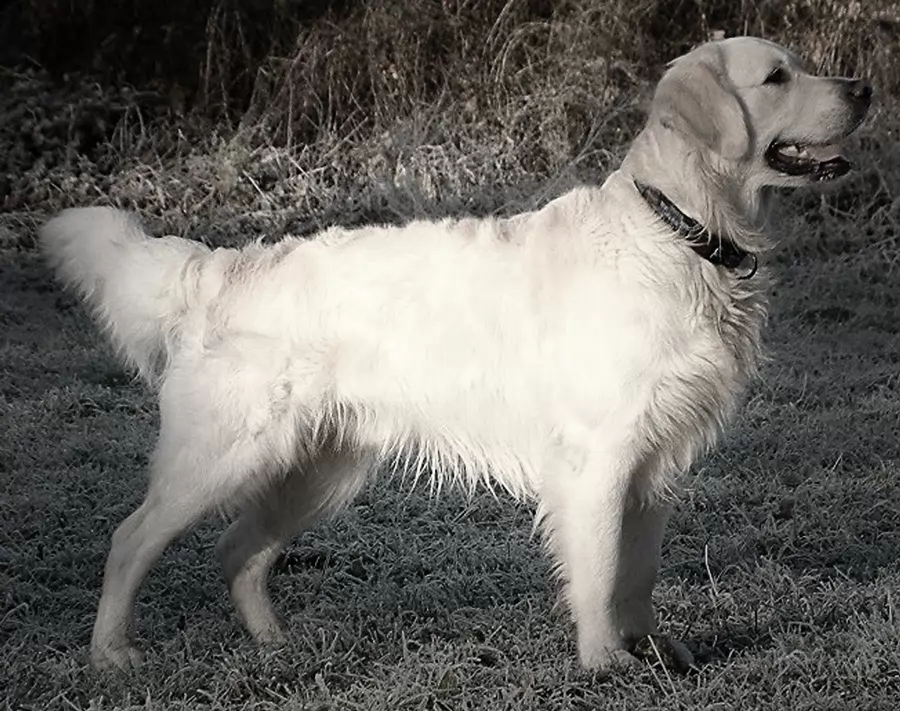 Bleach bypassGritty, desaturated, high-contrast film look.
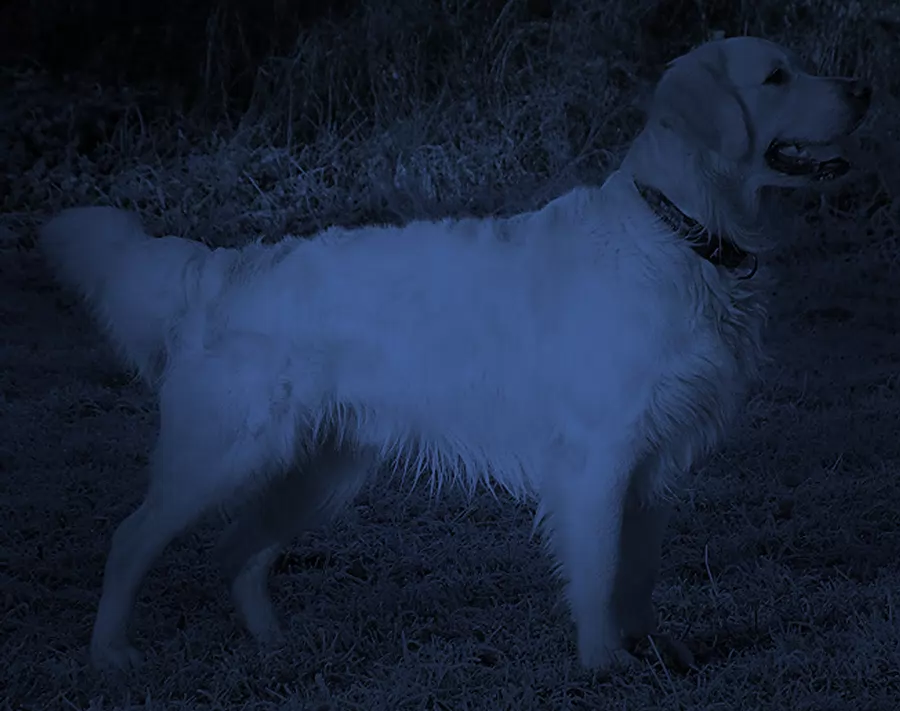 Day for nightTurns a daylight scene into blue moonlit night.
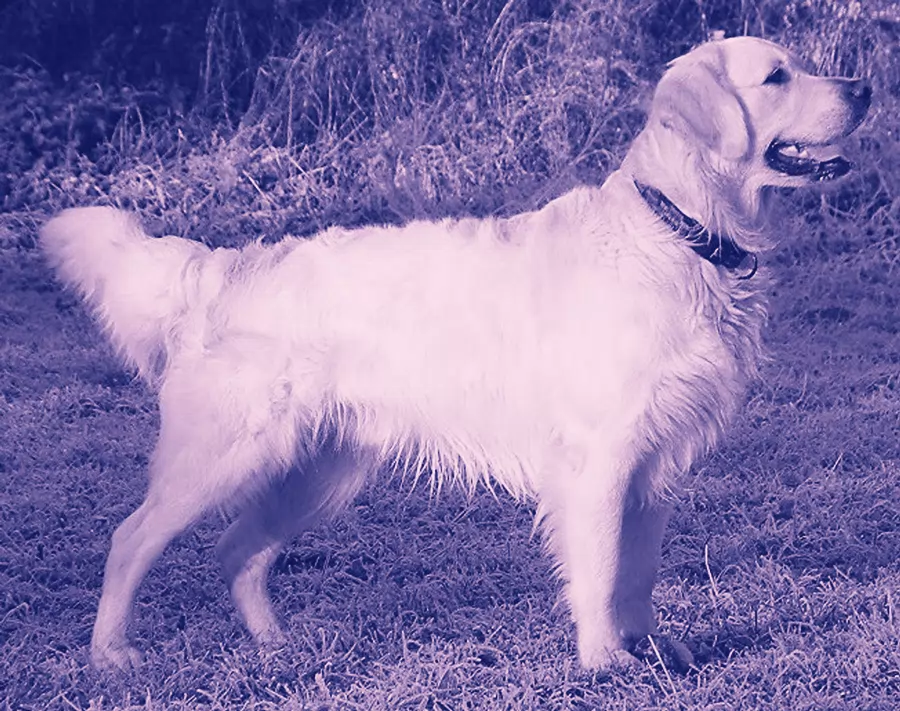 DuotoneTwo-color poster look: deep navy shadows, pink highlights.
Sample photos: golden retriever (public domain, Wikimedia Commons); Golden Gate Bridge by Frank Schulenburg (CC BY-SA 4.0); sunflower by Pudelek (CC BY-SA 3.0). Edited previews are shared under the same licenses.
FAQ
Are these filters free?
Yes. Looks run in your browser at no cost, with no watermark.
Can I make a look weaker or stronger?
Every look is one adjustable layer with a Strength slider. You can also just say “subtler” or “stronger”.
Can I apply a look to many photos at once?
Yes. Edit one photo, then choose “Apply to more photos” in the export dialog to run the same look on a batch and download a ZIP.