Batch edit photos online
Drop all your photos at once. Edit the first one the way you want it — a look, a brighter exposure, a blurred background — then one tap runs the same edits on every photo and downloads them as a ZIP.
FreeNo sign-upYour photo stays on your device
Continue editing saved on this device only
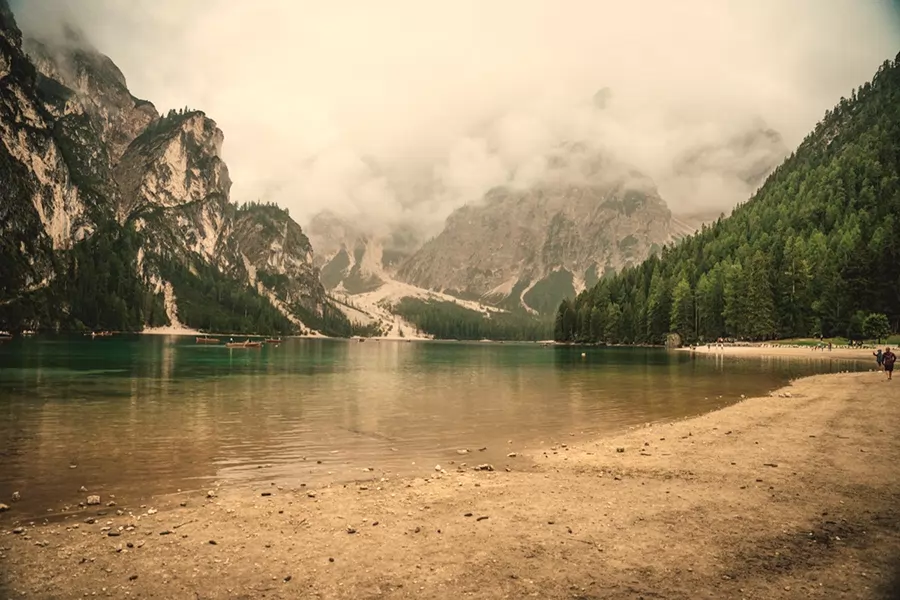
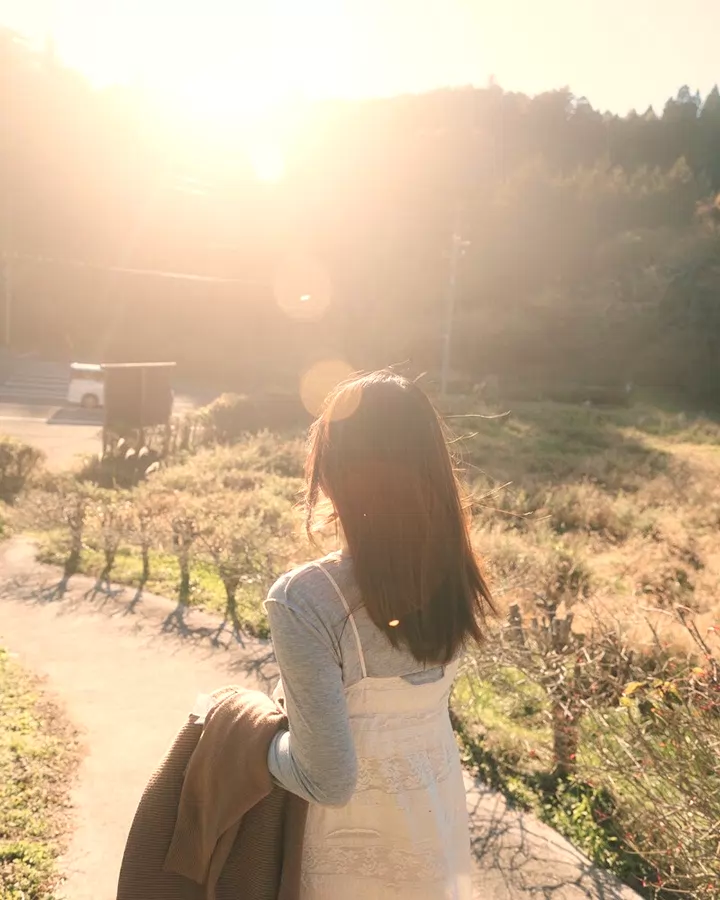
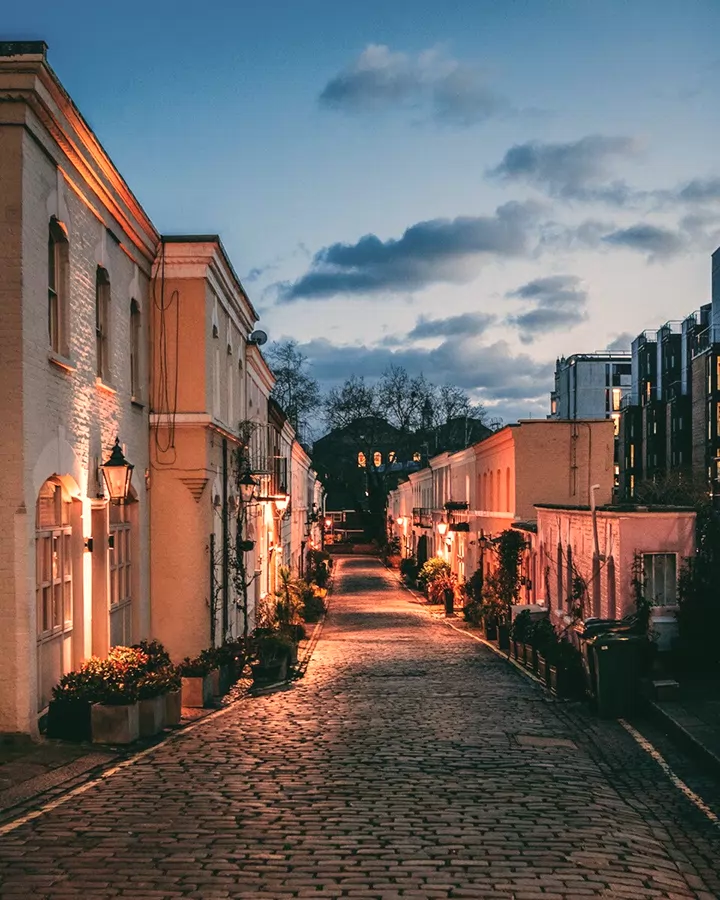
- “Golden hour look”
- “Brighter and warmer”
- “Blur the background”
- “Black and white, high contrast”
How to edit many photos at once
- Drop or choose all your photos above — up to 50 at once. The first one opens in the editor.
- Edit it: describe the change, pick a look, or adjust the sliders. On a look or one-click-edit page the edit is already applied.
- Tap “Apply to all” at the top. Every photo gets the same edits at full resolution, and they download together as a ZIP. (Export settings — format, size, shape — apply to every photo; you can also add more photos later from Export › Apply to more photos.)
What carries over
Every enabled step is replayed on each photo: looks, color and light adjustments, crops, borders and text. Subject-aware edits are worked out again for each photo — background removal or blur finds the subject in that photo, not the first one.
Generative edits (removing an object, a new background, extending the photo) are skipped in a batch, because the generated pixels belong to the photo they were made for. Photos that can’t be opened are skipped and counted in the message at the end.
The export shape applies too, so a batch can come out as 4:5 portraits or as a social pack for every photo.
Private by design
The batch runs on your device, one photo after another. Nothing is uploaded and there is no account to create, so it works for client shoots and personal photos alike.
Related
Resize photos for Instagram · A photo editor that doesn’t upload your photos · All one-click edits · Photo looks
FAQ
How many photos can I edit at once?
Up to 50 per batch. For more, run another batch with the same edit from Export › Apply to more photos — the edit stays open until you change it.
Can I upload several photos at once?
Yes — select or drop them all together. The first opens so you can set up the edit; the others wait until you tap “Apply to all”.
Are the batch photos full resolution?
Yes. Each photo is rendered at its original size (or the size you picked in Export) and saved in the format you chose.
Which formats can I batch?
JPG, PNG, WebP, HEIC, PSD, TIFF and camera RAW files such as DNG, CR2, NEF and ARW.
Is it free?
Yes — batch editing is free, with no watermark and no sign-up.