PhotoCraft online, with AI
LayerSay runs the open-source PhotoCraft engine right in your browser — nothing to install. Describe the edit you want and it lands as real layers you can tweak, hide or undo.
Continue editing
- “Remove the background”
- “Warm vintage film look”
- “Blur the background like portrait mode”
- “Make it brighter and crop to square”
What is PhotoCraft?
PhotoCraft is an open-source photo editor written from scratch in Rust by the ArtCraft team and community, released under the MIT or Apache-2.0 license. It reimplements a layer-based editing engine — adjustment layers, masks, filters, PSD files — and every one of its commands is drivable by software, which is what lets an AI plan edits with it. It runs natively on macOS, Windows and Linux, and compiles to WebAssembly for the browser.
What LayerSay adds
LayerSay uses PhotoCraft’s engine and builds an AI-first editor around it:
- Edit by describing it. Say “warmer, blur the background, add a title”; an AI planner turns it into PhotoCraft operations you can adjust one by one.
- AI subject detection. Background removal and subject-aware edits use a segmentation model that runs on your device.
- Generative edits. Remove an object, put the subject on a new background, or extend the photo to a new shape — one credit each, refunded if it fails.
- 15 hand-tuned looks, batch editing, and recipe links that apply the same edit to anyone’s photo.
LayerSay or the PhotoCraft app?
| LayerSay (online) | PhotoCraft app | |
|---|---|---|
| Install | None — open the page | Download for macOS, Windows or Linux |
| How you edit | Describe it in words, then fine-tune with sliders | Full editor with tools, panels and brushes |
| AI | Edit planner, on-device subject detection, generative edits | Agent control via its command line and MCP server |
| Your photo | Stays on your device for regular edits | Stays on your computer |
| Price | Free; generative edits use credits | Free and open source |
Want hands-on, pixel-level control with the whole tool set? Get PhotoCraft from GitHub. Want a result in a sentence? Drop a photo above.
Try it
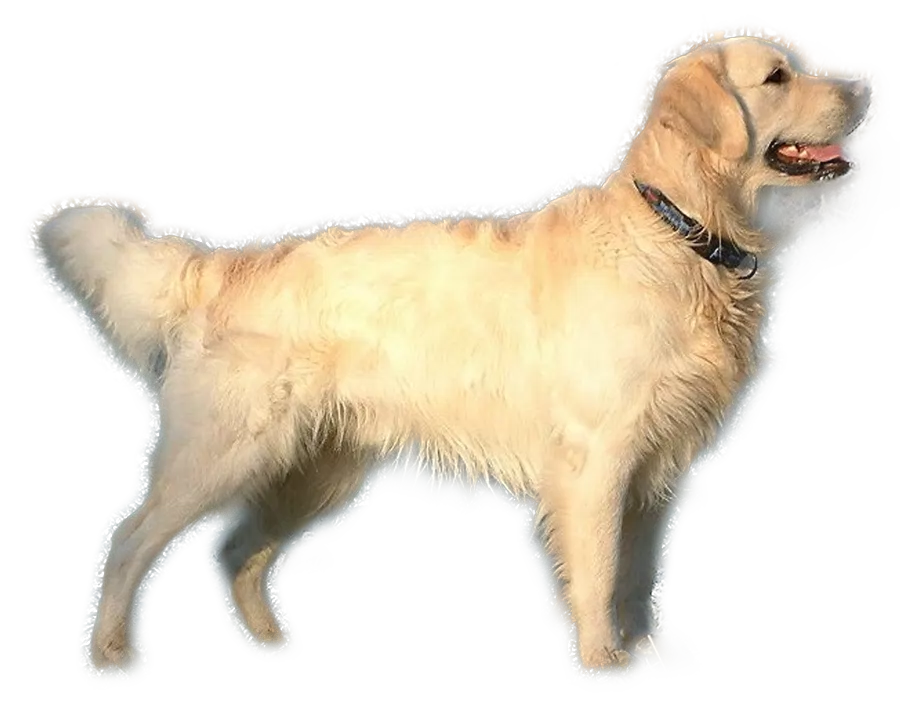 Remove background from image
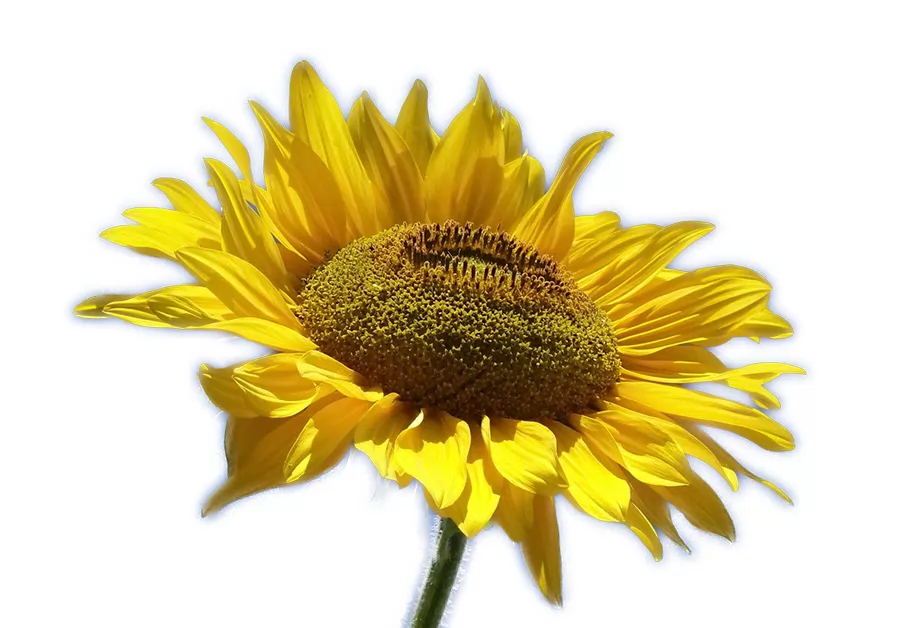 Make photo background white
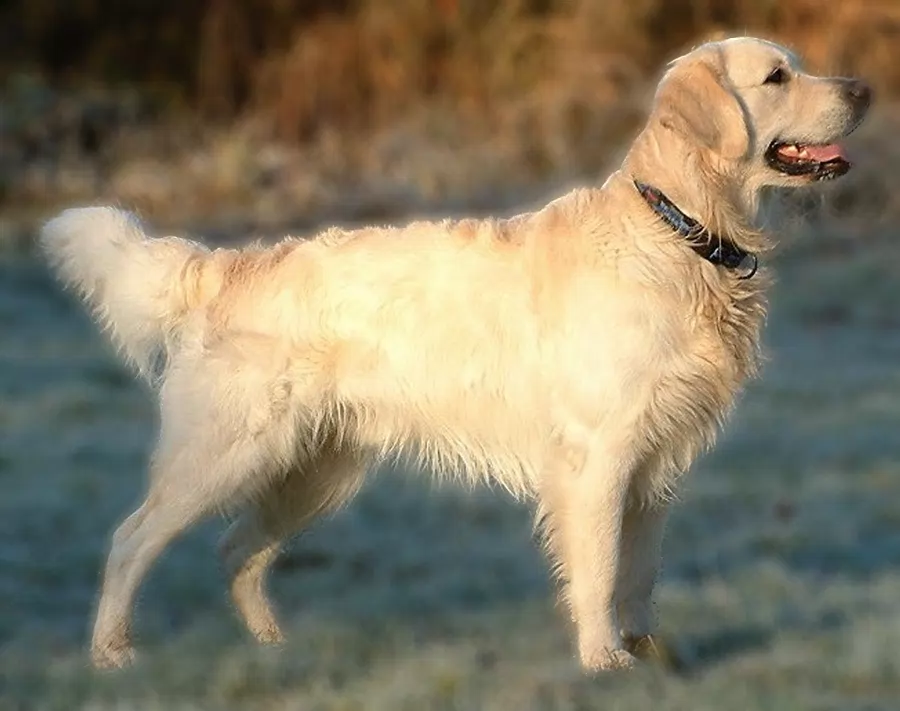 Blur background of photo
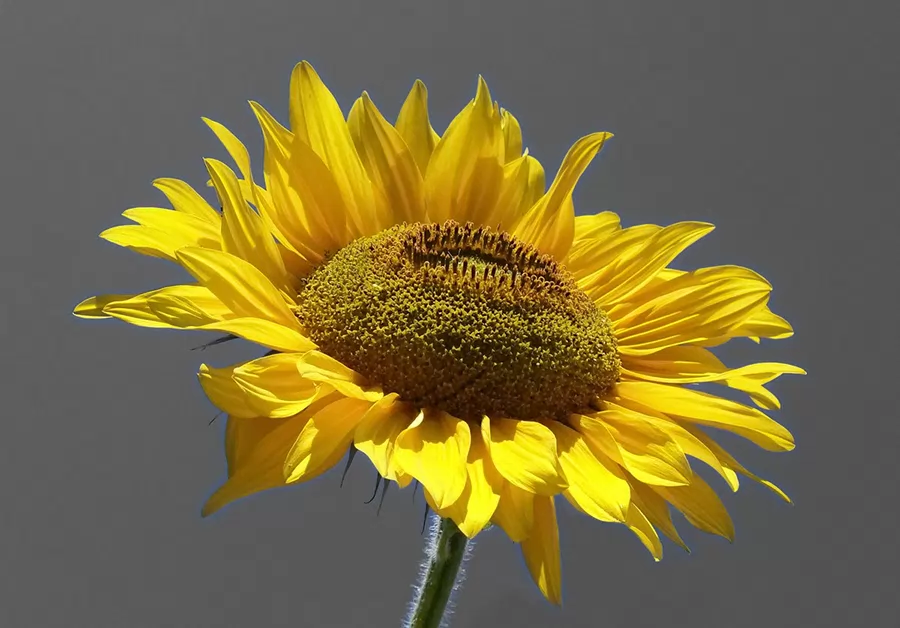 Make background black and white
LayerSay is an independent project built on PhotoCraft by the ArtCraft team, used under its MIT/Apache-2.0 license. It is not made, sponsored or endorsed by the ArtCraft team or the PhotoCraft contributors, nor by Adobe. Third-party licenses.
FAQ
Can I use PhotoCraft online without installing it?
Yes. LayerSay runs the PhotoCraft engine in your browser as WebAssembly. Open the page, drop a photo and describe the edit — no download, no account for regular edits.
Is LayerSay the official PhotoCraft web app?
No. LayerSay is an independent editor built on the open-source PhotoCraft engine. PhotoCraft itself is made by the ArtCraft team and community; you can get it from its GitHub repository.
Does PhotoCraft have AI features?
PhotoCraft is built to be driven by software and AI agents, through a command line and an MCP server. LayerSay adds AI on top: describing edits in plain words, subject detection with a segmentation model, and generative edits like removing objects or replacing the background.
Is it free?
Editing by description, looks, background removal, batch editing and export are free. Generative edits use credits, and new accounts get free credits to try them. PhotoCraft itself is free and open source.
Can it open PSD files like PhotoCraft?
Yes. PSD and PSB open in the browser through the PhotoCraft engine, along with HEIC, camera RAW, TIFF, EXR and more. Export as JPG, PNG or WebP.
Is my photo uploaded?
Not for regular edits: the engine runs on your device. To plan an edit, a small preview (at most 768 pixels) and your instruction go to our AI provider. Generative edits send the part of the photo involved to generate new pixels.