Disclosure. LayerSay is built on PhotoCraft’s engine, and LayerSay Studio is our own modified build of the PhotoCraft editor. We have an interest in PhotoCraft being good — keep that in mind. We are not affiliated with, sponsored or endorsed by the ArtCraft team or Adobe, and we earn nothing from PhotoCraft downloads.
Verdict
PhotoCraft follows Photoshop more closely than any other free editor we have tried: the menus, layer model, adjustment layers and PSD support are all there, and every action is a command software can call. It is also, by its developers’ own account, alpha — about 45% “ready for real work” against Photoshop in their self-assessment — and that matches our experience: the basics are solid, the edges are not.
| Our take | |
|---|---|
| Hobby and everyday editing | Yes. Layers, masks, adjustments and filters work, for free. |
| Opening PSD, HEIC, RAW without installing anything | Yes, in the browser — a real strength. |
| Automation and AI agents | Yes. This is where it is ahead of most editors. |
| Daily professional work | Not yet. Run it alongside your current tool. |
| Sending PSDs back to Photoshop users | Not reliable yet (see below). |
How we tested
- Version: PhotoCraft 0.8.2, upstream commit
992d945— the same engine that runs on layersay.com and in LayerSay Studio. - Interface: the full editor in LayerSay Studio, Chrome 155 on macOS, Apple M2 Pro. Our build changes the branding and adds an AI panel; the menus, tools and dialogs are upstream’s.
- Speed: the engine compiled to WebAssembly, timed in Node 22 (the V8 engine Chrome uses) on one thread. Each operation ran three times on a fresh document; we report the median.
- Files: a landscape photo resized to 3 MP and 12 MP; for formats, the real PSD, HEIC, RAW, TIFF, EXR and FITS files behind our format pages.
- Not tested: the native desktop apps and their GPU rendering, pen tablets, and Windows or Linux.
- Date: 2026-10-26. PhotoCraft releases often, so details will drift; we re-test when we update our build.
What works well
It really is laid out like Photoshop
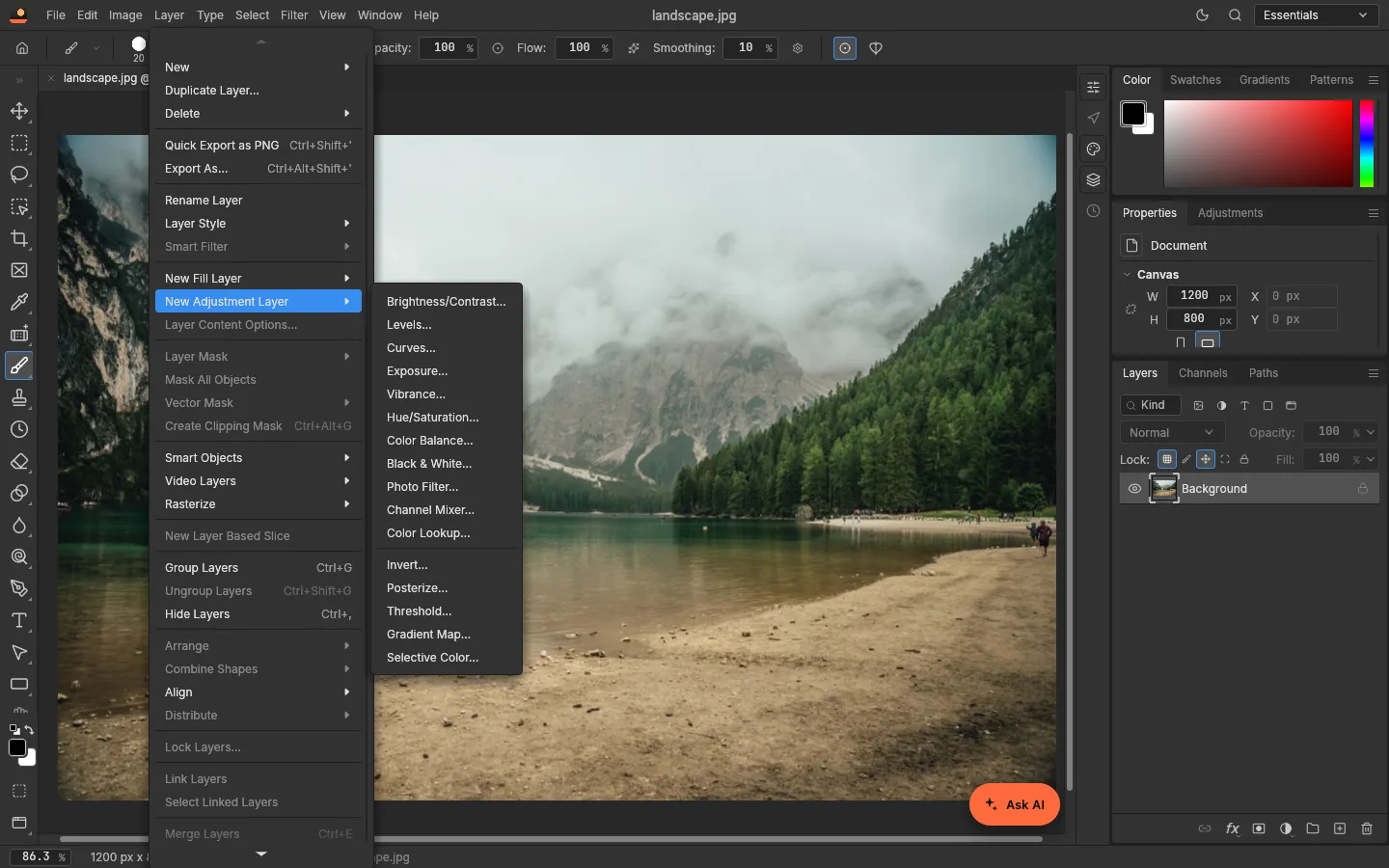
Menus, panels and shortcuts follow Photoshop closely; upstream maps all 628 items of its Photoshop menu catalog to working commands (roadmap). In practice that means Photoshop users find things where they expect them — the Layer menu in the screenshot above is a fair sample.
Non-destructive editing by default
All 16 adjustment layers are there, each with its own mask. Creating one costs nothing measurable (0 ms in our timings — it only records settings); the cost comes when the image is composited, which is what you want: you can keep stacking and re-tuning without baking anything in.
Files open in the browser
Layered PSDs, HEIC from iPhones, camera RAW, TIFF, EXR and FITS all opened in our tests, with no upload and nothing to install. For people who receive a PSD or HEIC and just need to look at it or export a JPG, that alone is useful.
Built to be driven by software
Every menu item and tool is a command in a shared registry. The engine build we ship reports 900 commands, each with machine-readable parameter documentation, and upstream adds a command-line tool and an MCP server for AI agents (docs). That is exactly what let us build an assistant that turns a sentence into adjustable PhotoCraft layers.
Performance, measured
Timings for the PhotoCraft engine in WebAssembly, single thread, on an Apple M2 Pro (median of 3 runs):
| Operation | 3 MP (2048×1365) | 12 MP (4000×3000) |
|---|---|---|
| Open JPEG | 85 ms | 323 ms |
| Auto Tone | 172 ms | 749 ms |
| New Curves adjustment layer | 0 ms | 0 ms |
| Preview render (1600 px, 2 adjustment layers) | 299 ms | 1,151 ms |
| Gaussian Blur, radius 8 | 270 ms | 1,131 ms |
| Unsharp Mask | 407 ms | 1,676 ms |
| Select Subject (built-in) | 546 ms | 1,236 ms |
| Full-size export, JPEG | 303 ms | 1,326 ms |
| Full-size export, PNG | 1,104 ms | 4,536 ms |
On a 3 MP photo everything finishes in about a second or less. At 12 MP, filters take 1–1.7 seconds and a PNG export 4.5 seconds. One thing to notice: a 1600-pixel preview of a 12 MP photo takes as long as a full-size JPEG export, because the layers are composited at full size first. Editors built on the engine — ours included — work on a smaller copy while you edit and use the full size only for export. The desktop app renders on the GPU, so expect it to feel faster than these numbers; we didn’t measure it.
What’s rough
PSD exchange with Photoshop
PhotoCraft reads and writes PSD, but its own measurements are candid: 133 of 256 Photoshop-authored test files pass its PSD reference test, and users report Photoshop refusing some PSDs that PhotoCraft wrote (format parity). If a Photoshop user has to open your file, check it in Photoshop before you send it.
Built-in Select Subject and Select Sky
The built-in selections are classic algorithms, not machine learning. In our tests Select Subject missed a golden retriever’s legs and left halos around fur, and Select Sky leaked into the towers of a suspension bridge. That is why LayerSay runs a separate segmentation model on your device for background removal instead.
Uneven parameter checking
For scripting and automation: the engine doesn’t always tell you when a value was wrong. In our tests through its MCP server and command line, a brightness of 9999 was quietly clamped to the maximum of 150, and an unknown canvas extension color was ignored — both reported success — while an unknown Photo Filter name was rejected with a clear error. We check every parameter against the engine’s own documentation before running anything; if you automate PhotoCraft, do the same.
The browser build has limits
It is a 24.1 MB download (8.5 MB compressed), it has two fonts (Inter and JetBrains Mono), and Chinese, Japanese and Korean text has no glyphs to draw with. It is best for photos and quick work; for long sessions and type-heavy designs, use the desktop app.
Alpha, officially
The developers’ own scorecard, written for version 0.6.0 on 2026-10-10: feature breadth about 76% of Photoshop’s, about 45% “ready for real work”, 3 of 25 performance budgets are met, and 579 issues were open (roadmap, parity assessment). Releases since then have moved quickly, but the label still fits.
Where PhotoCraft fits
Photoshop remains the safe choice for professional work and client files. Photopea, the long-standing browser editor, is more mature as a web app. PhotoCraft’s case is different: it is open source, it runs natively on desktop and in the browser, and it is built for automation. If those matter to you, it is worth trying now and worth watching.
To try it without installing anything, open LayerSay Studio; our step-by-step tutorial covers a first edit. The official desktop apps are on GitHub.
Sources
- PhotoCraft roadmap (stage, headline numbers)
- PhotoCraft vs Photoshop: target-app parity
- PhotoCraft file-format parity (PSD tests)
- PhotoCraft docs: MCP
- PhotoCraft web build: fonts
How we write these pages: editorial policy.
More about PhotoCraft
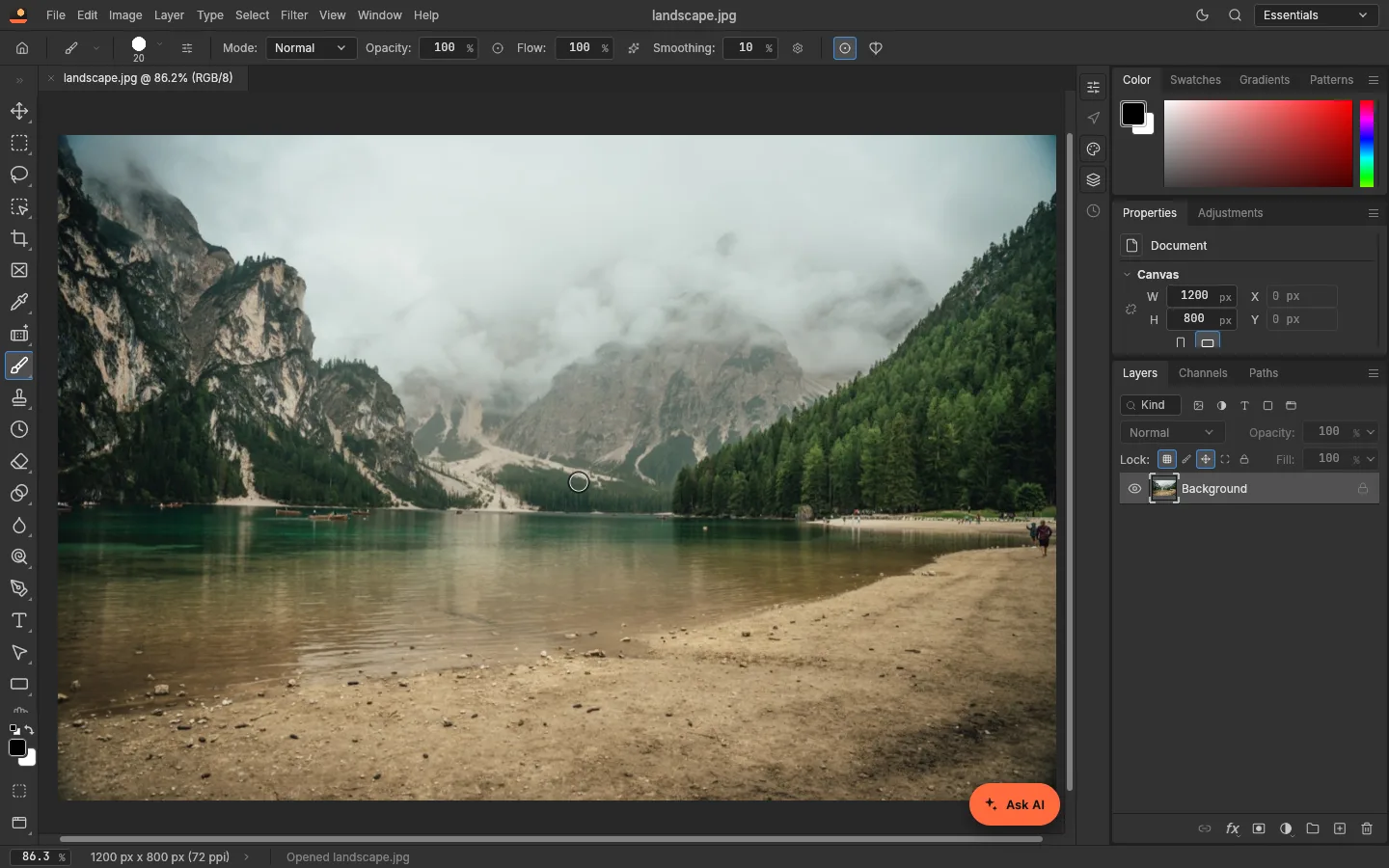 How to use PhotoCraft online: a beginner’s tutorialOpen a photo, add adjustment layers, edit with the AI assistant and save a layered PSD — a step-by-step PhotoCraft tutorial with real screenshots, nothing to install.
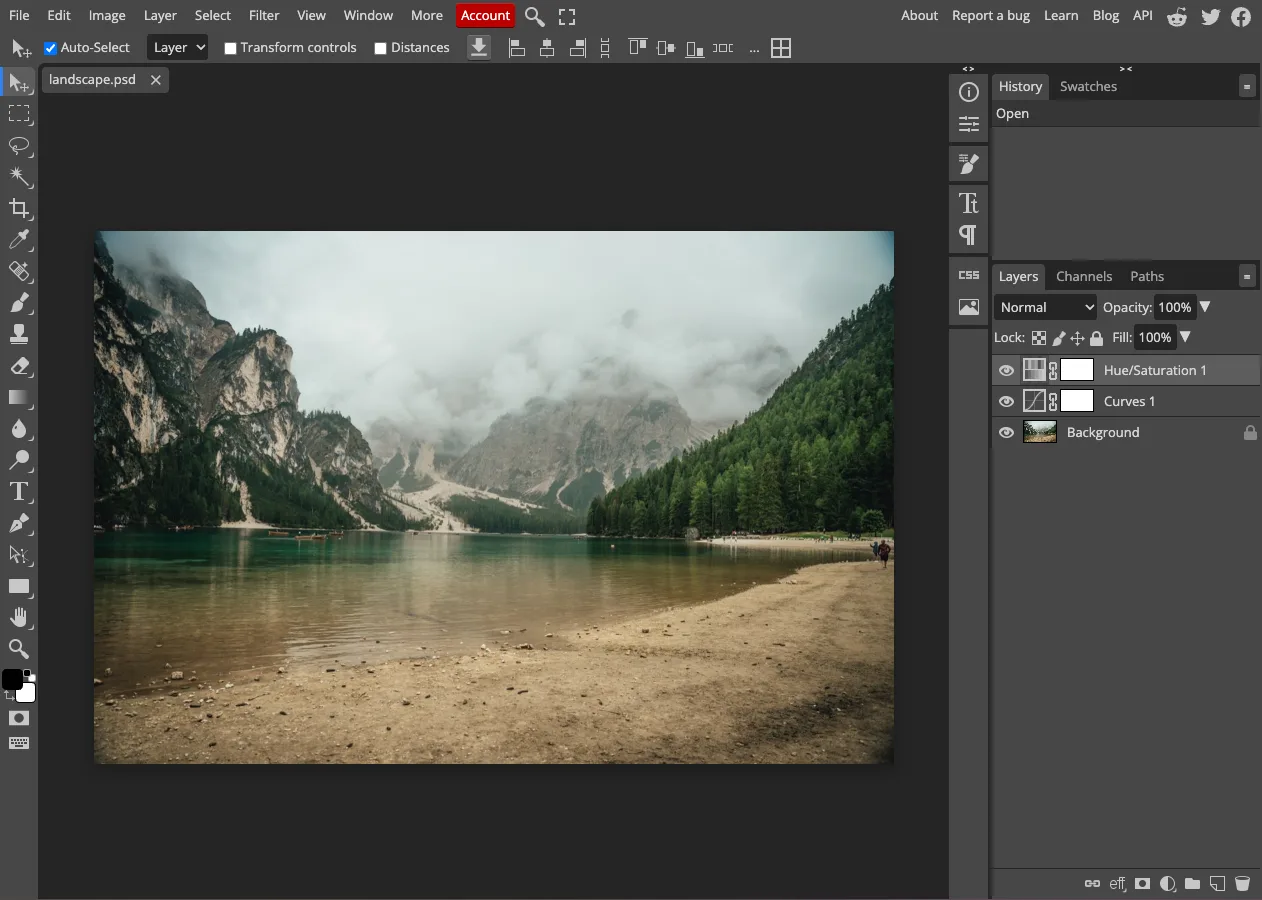 PhotoCraft vs Photopea: two free Photoshop-style editors, testedPhotoCraft vs Photopea, hands-on: a layered PSD passed between them both ways, what each loads, ads, open source, AI and automation. Tested October 2026.
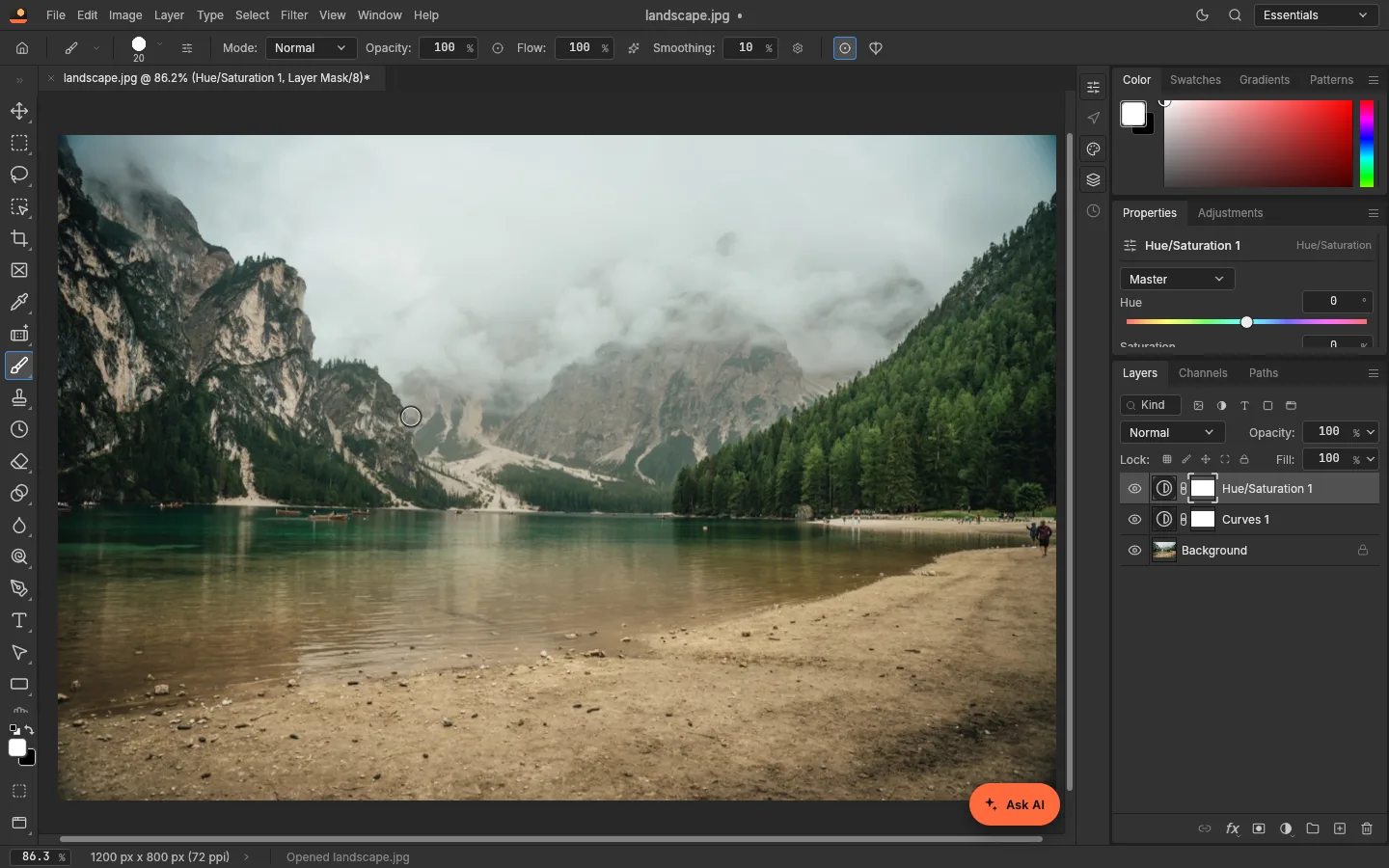 PhotoCraft vs Photoshop: how close is the free clone?How close is PhotoCraft to Photoshop? Its developers measured it against Photoshop 2026; we checked what we could ourselves. Features, PSD, AI and who can switch.
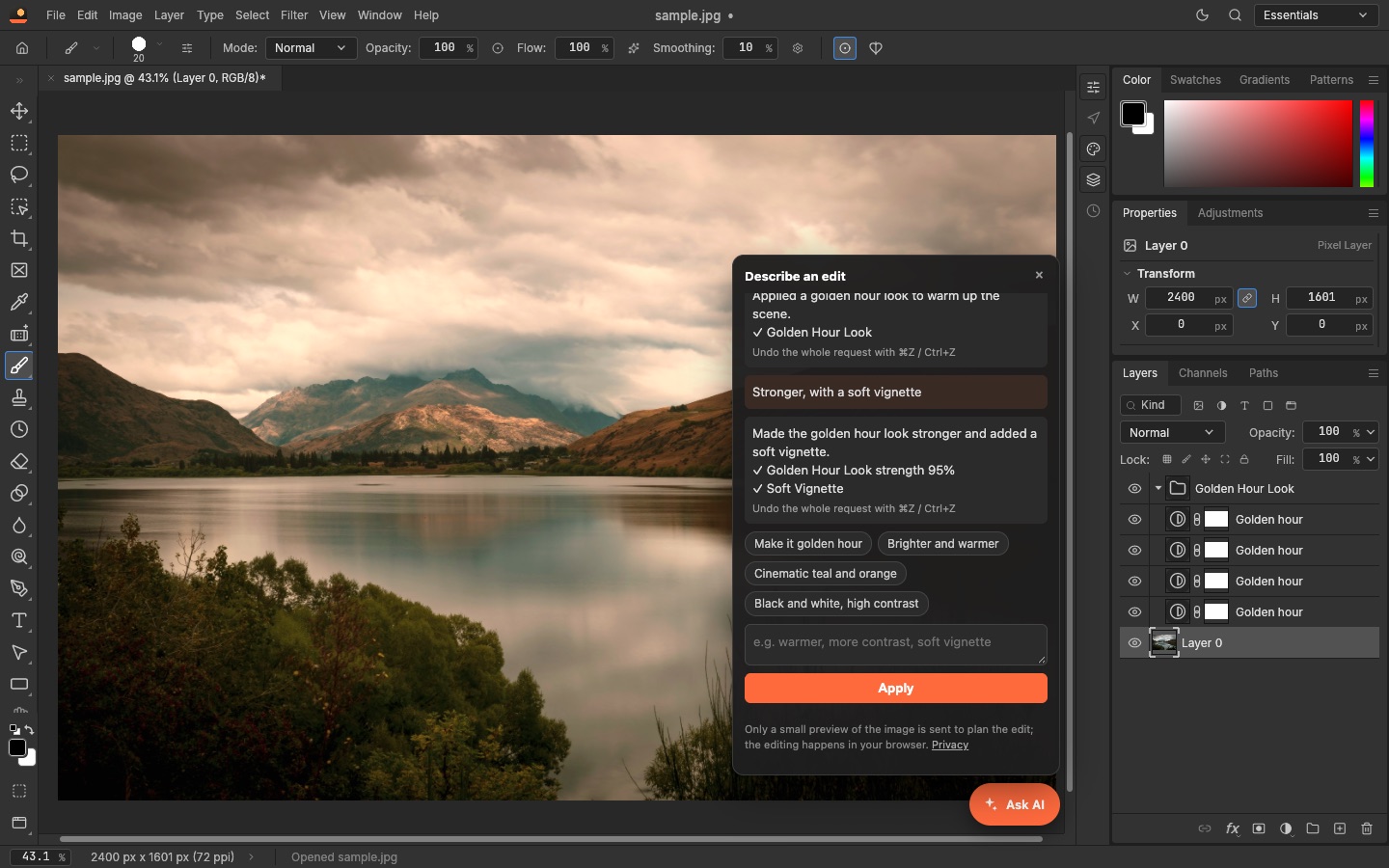 PhotoCraft and AI: describe an edit, or let an agent drive itPhotoCraft has no AI generator built in, but AI can drive it: an assistant that turns a sentence into adjustable layers, and an MCP server for agents. Both tested.